For decades, graphic design has been a balance of imagination and technical skill, in which artists use visual storytelling to communicate ideas. But now, artificial intelligence (AI) is transforming that balance. With AI graphic design tools, designers can create faster, explore infinite variations, and even collaborate with algorithms that understand aesthetics.
AI doesn’t replace human creativity; it empowers it. By handling time-consuming tasks such as image enhancement, layout design, and color correction, AI gives designers more control over what matters most: the concept, emotion, and story behind the art.
What Are AI Graphic Design Tools?
AI graphic design tools are software platforms that use machine learning and computer vision to assist or automate parts of the creative process. They can analyze images, generate design layouts, and even understand visual principles like symmetry, balance, and color harmony.
Unlike traditional design software, which relies solely on user input, AI tools learn from patterns in millions of designs and user preferences. They make intelligent suggestions, anticipate user needs, and often improve through continuous feedback.
Examples include:
- Generative AI tools like Adobe Firefly and Midjourney, which can create entire artworks or concept visuals from text prompts.
- AI layout and branding tools such as Looka or Designs.ai, which automatically generate logos and brand kits.
- Image enhancement tools like Remini or Let’s Enhance, which use AI to upscale and restore image quality.
Together, these innovations are revolutionizing how design is produced, personalized, and shared.
How AI Enhances the Creative Process
1. Generative Design and Ideation
One of the most powerful aspects of AI in design is its ability to generate endless ideas. With text-to-image tools like Midjourney or Firefly, a designer can type a few words — “a futuristic city in pastel tones,” for example — and receive multiple interpretations in seconds.
This doesn’t replace creativity; it amplifies it. Designers can explore visual directions they might never have imagined, refine ideas faster, and discover new styles through experimentation. AI acts as a collaborator that’s always ready to inspire and engage whenever needed.
2. Speed and Efficiency
Design projects often require repetitive work: resizing images, adjusting typography, cleaning backgrounds, and aligning elements. AI tools handle these routine tasks with precision and speed, allowing designers to work more efficiently and productively.
For example, Canva’s Magic Design can automatically generate entire layouts based on uploaded content, while Fotor AI can remove backgrounds or enhance portraits in one click. This automation saves hours, letting designers allocate more time to creativity and client collaboration.
3. Smart Branding and Logo Design
Creating a consistent brand identity is one of the most challenging parts of design. AI branding platforms like Looka and Designs.ai analyze color psychology, industry trends, and font pairings to generate logos and brand kits that align with a company’s personality.
Small businesses, startups, and freelancers benefit the most — they can access professional-looking designs without hiring a full design team. Yet even for professional designers, these tools provide a strong foundation to build on and further customize.
4. Image Enhancement and Restoration
AI-powered enhancement tools have redefined what’s possible in photo editing. Platforms like Remini or Let’s Enhance can automatically sharpen low-quality photos, adjust lighting, and restore old images.
For photographers and visual artists, this means less time spent on manual retouching and more on composition and storytelling. Some AI systems even understand facial structure and texture, making edits appear natural and human-like.
5. Layout and Composition Assistance
AI can now recognize good design principles — understanding visual balance, whitespace, alignment, and hierarchy. Layout systems in Adobe Express or Visme use AI to suggest better spacing, font pairing, and content organization based on proven design rules.
Instead of guessing whether a layout “feels right,” designers can receive data-backed guidance that improves visual clarity and appeal. This creates harmony between creativity and functionality.
6. Adaptive and Personalized Design
AI can tailor designs dynamically for different audiences or contexts. For instance, marketing banners or social media ads can automatically adjust tone, color, and imagery to match user demographics or emotional preferences.
This personalization — driven by AI analytics — helps brands maintain consistent yet adaptive visuals. Companies like Adobe Sensei are pioneering this approach by merging design intelligence with data science.
The Benefits of Using AI in Graphic Design
- Faster workflows: Automates repetitive design tasks, reducing production time.
- Cost efficiency: Enables high-quality design output with fewer resources.
- Creative exploration: Expands possibilities for ideation and experimentation.
- Accessibility: Makes professional design tools more approachable for non-designers.
- Consistency: Ensures brand visuals remain cohesive across platforms.
In short, AI allows designers to focus more on creativity and storytelling while maintaining precision and efficiency.
How Designers Are Using AI Creatively
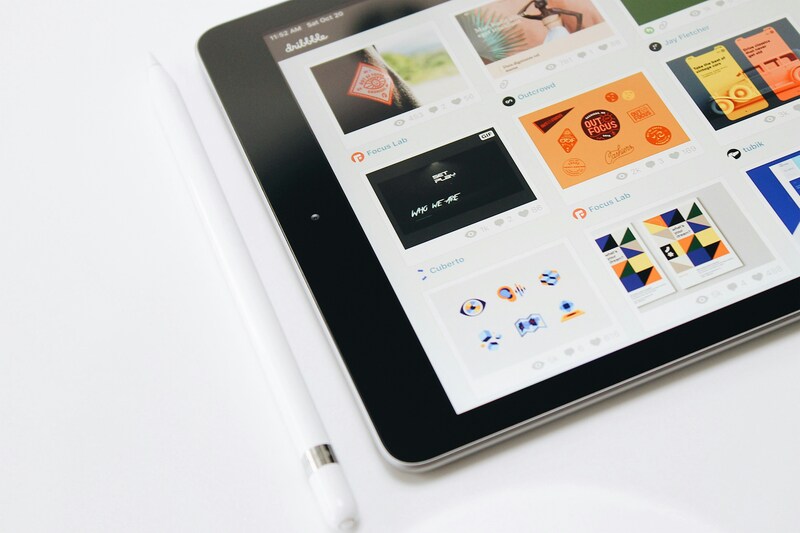
Professional designers aren’t afraid of AI — they’re embracing it as a new creative medium. Many use AI to spark ideas during brainstorming, experiment with visual concepts, or build rapid prototypes for clients.
For instance, agencies use generative AI to visualize mood boards, style guides, and product mockups before full-scale production. Artists experiment with AI-generated textures and compositions to blend human intuition with algorithmic unpredictability.
Some creatives even integrate AI outputs into final works, using them as layers, backgrounds, or conceptual starting points. This hybrid workflow merges technical capability with artistic intent, redefining what it means to “design.”
Ethical and Creative Challenges
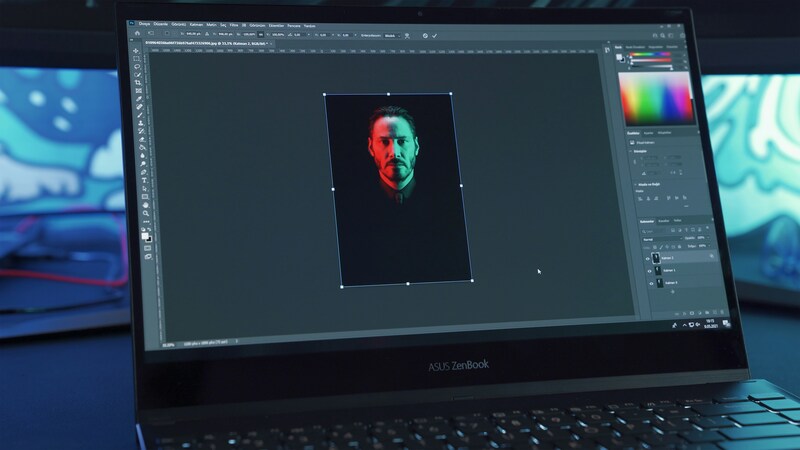
While AI opens exciting possibilities, it also raises ethical and creative debates:
- Originality: Who owns AI-generated designs — the tool, the user, or the data it was trained on?
- Job displacement: As AI handles more design tasks, how will the role of designers evolve?
- Bias and authenticity: AI learns from existing data, which may carry cultural or stylistic biases.
Organizations like the World Intellectual Property Organization (WIPO) and Design Council are already addressing questions around copyright, creative ownership, and responsible AI design.
Most experts agree that the future of design depends not on rejecting AI but on using it ethically — as an enhancer of human imagination, not a replacement for it.
The Future of AI-Driven Design
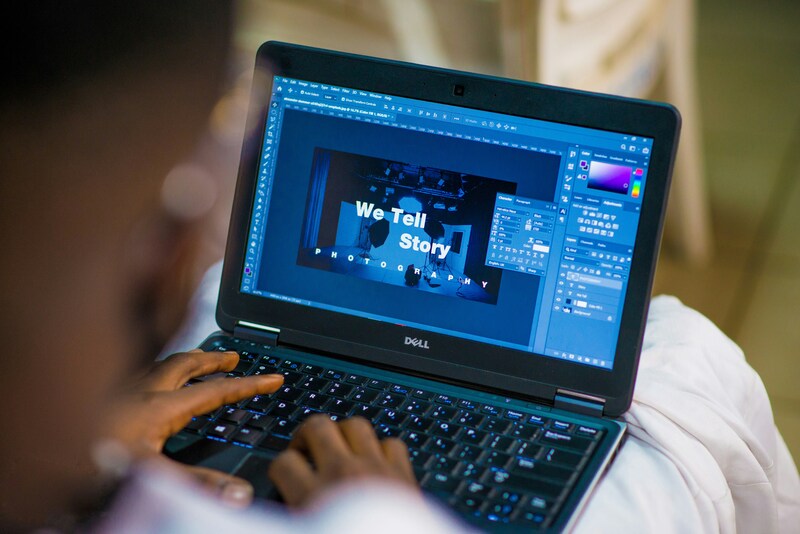
AI will continue to shape how we create and experience visuals. Future innovations may include:
- Real-time co-design with AI partners that understand emotional tone.
- Fully adaptive interfaces that redesign themselves based on user behavior.
- Cross-sensory creativity, merging sound, motion, and design through AI-generated data.
In this vision, designers evolve from creators of static visuals into creative directors of interactive, intelligent experiences. The partnership between human imagination and machine intelligence will redefine creativity itself.
AI graphic design tools are not taking creativity away; they’re redefining it. By automating technical work and suggesting new ideas, AI empowers designers to think bigger, move faster, and craft more engaging stories.
In the end, great design is still about vision, emotion, and purpose. AI gives us a new brush, a sharper lens, and a wider canvas to express it.