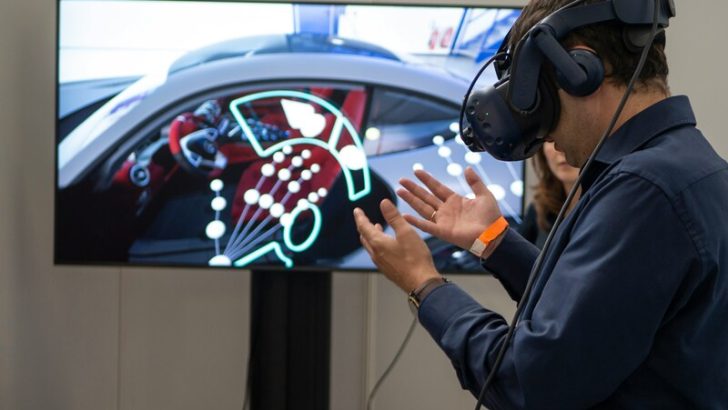
UX design for XR changes how we experience the digital worlds. Extended reality (XR) makes a world where users can immerse themselves in 3D space. They can move, explore, and interact naturally in the virtual world. However, to achieve this, you should consider many factors, such as spatial layout and intuitive gestures, to ensure the user experience feels enjoyable and realistic.
Here, we will learn more about XR design changes, the principles of UX, how to turn your ideas into an immersive experience, and the challenges and opportunities you face in UX design for XR.
How XR Changes the Way We Experience Design
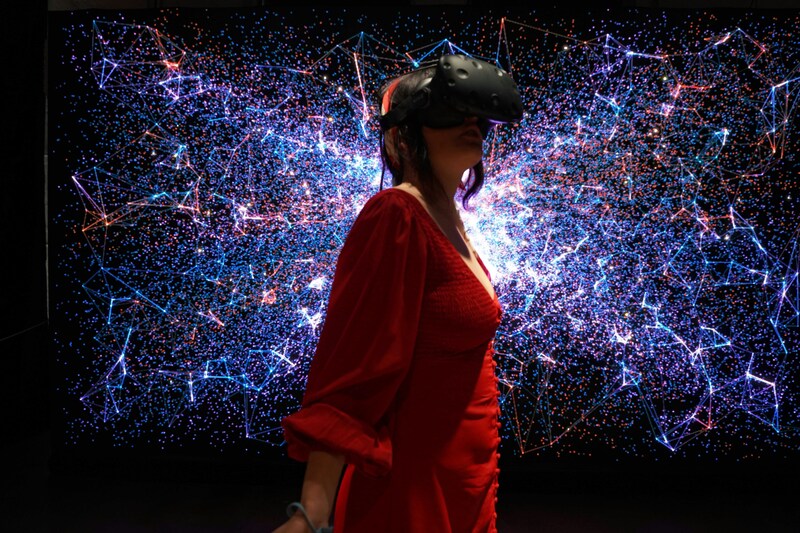
Extended reality (XR) is a combination of virtual reality (VR), augmented reality (AR), and mixed reality (MR) that blends the digital and real worlds. Your experience in the digital world will expand, not just scrolling or tapping your screen. Instead, you can move, speak, look around, interact, or touch anything in that virtual world. Because of this, as a designer, you must make some changes to improve user experiences that are so different from before.
Before, users were engaged only on the screen. However, UX design for XR differs, as you should create a higher level of user experience. Here, the transformation of the design is now:
- From flat to spatial: Now, users will experience a virtual world in 3D space, so you have to consider any measurements and things appearing around them.
- From fixed paths to free exploration: XR will enable users to explore, move, or make choices freely. That’s why the design should support those.
- From passive to active interaction: No more just tapping or scrolling the screen anymore. Users can participate in the XR so that body movement, gestures, and voices are included in the interface.
- From separate to blended worlds: Make sure that you balance the digital and real environment well, so the worlds will be connected, not making users disoriented.
Now, UX design for XR turns interaction into experience so users don’t just enjoy the beautiful design, but live in it like they do in the real world.
Principles of UX Design for XR
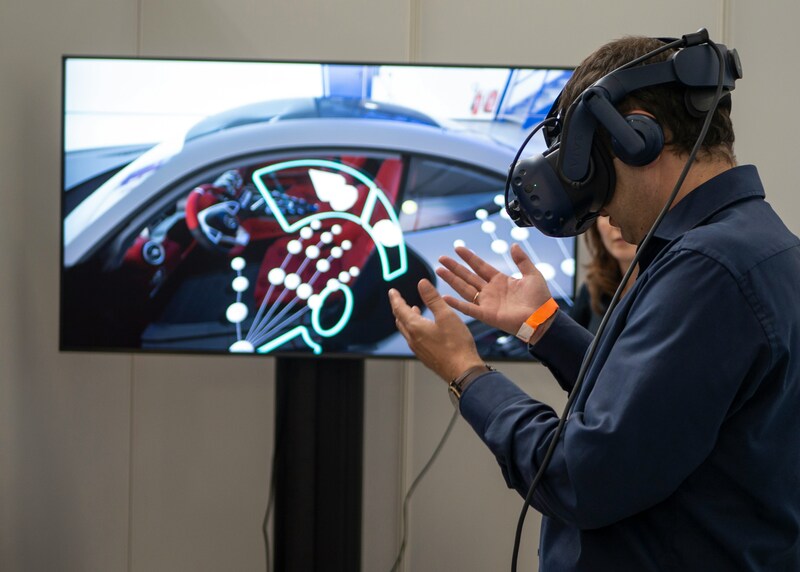
When designing XR, you must understand what users need to feel engaged, comfortable, and present in the virtual world. Below are some guidelines to help you improve users’ experiences.
- Prioritizing users’ comfort and safety
Poor UX design can cause fatigue, disorientation, or even motion sickness. That’s why you need to focus on user comfort and create safe boundaries for movement. - Maintaining spatial awareness
In the virtual world, it’s easy to lose orientation. You have to make sure users feel oriented by letting them know where they are, what they can interact with, and what’s around them with consistent layouts with clear visuals. - Making interactions feel natural
Avoid putting complex controls that break users’ experiences. Let them use any voice, gestures, or eye movements naturally, like in real life. - Designing for everyone
Everyone has different needs and comfort levels, even in XR. So, you can add options that let users stand, sit, or adjust settings to feel comfortable. - Building a real sense of presence
Having good visuals is not enough in the virtual world. One principle you should take note of is that users need to feel they really exist there. So, keep reactions and actions natural in XR. - Letting users explore freely
Allow XR users to move and experiment, including making choices and fixing mistakes. If you limit too many things, you will break their immersion in XR. - Designing for different devices
Not all devices work the same way, like headsets or controllers. That’s why your design has to work well across all of them so users can have an enjoyable, stable experience.
From Concept to Immersive Experience
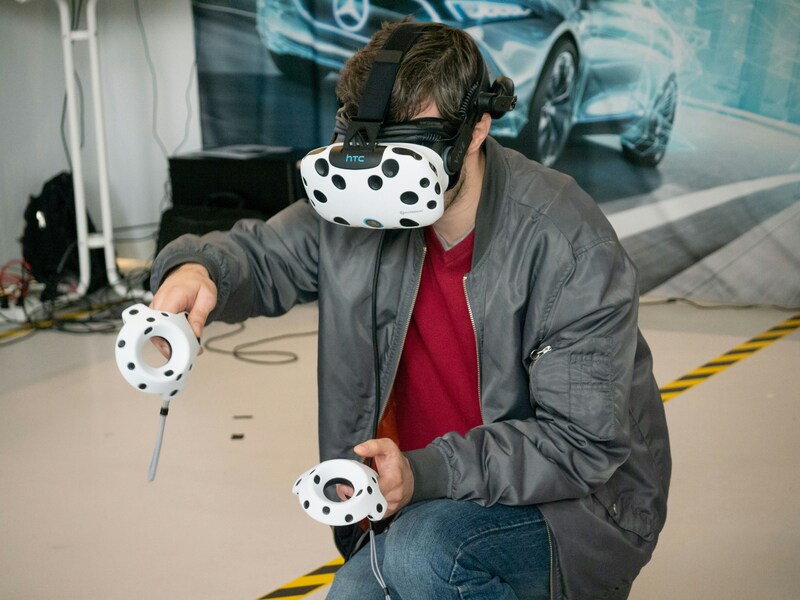
The first step in creating a UX design for XR is understanding how people use it. Then, you have to explore and develop what makes them experience it fully, comfortably. Let’s break those down step by step.
- Know your user
Start by identifying who will use your XR experience, including their familiarity with XR, their comfort level in XR, or the environment in which they will be. By understanding all of those, you can design XR that fits their needs.
- Plans the experience
You need to imagine the world your users will step into. Then, visualize all of them using sketches or a storyboard before you start building your XR.
- Build a simple version first
Next, you can create an early prototype. This will allow you to see how the experience feels. Use tools like Unreal Engine, Unity, or other XR platforms to test whatever you need.
- Test with real users
Now, time to see if your XR prototype is good enough when real users try it in a real setting. Their reactions will show which areas you need to change to improve comfort.
- Work with developers
If everything already feels right, you can start teaming up with developers to make the experience work well across different devices. Make sure everything runs smoothly and consistently.
- Launch and learn
After your XR is released, you need to monitor how users use it closely. Take note of where they spend time or how they move so you can use that to improve and update the XR.
Challenges and Opportunities in XR UX
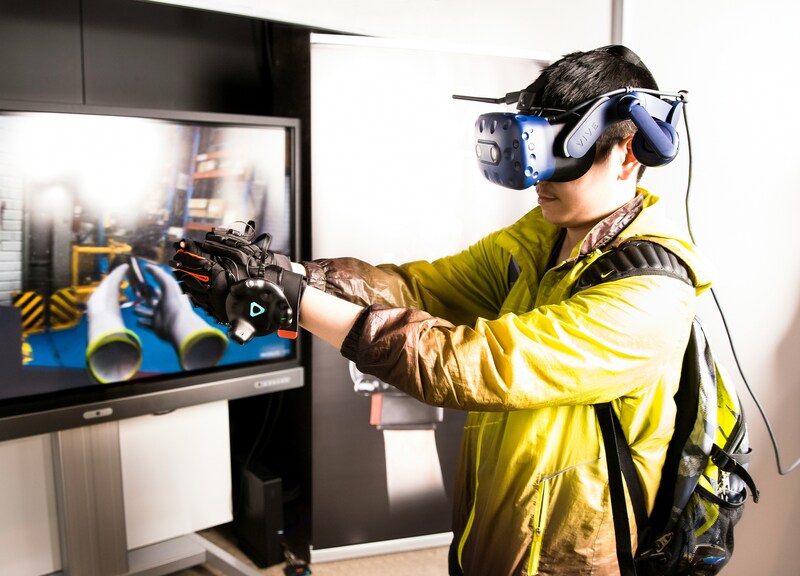
Technology always comes with challenges and chances to grow, so does UX design for XR. Take a look at both sides.
Challenges
- If the visuals or movement are poorly designed, those will make users feel tired and dizzy.
- It’s challenging to make a consistent UX since so many different XR devices need various inputs.
- As a designer, you should keep experimenting and refining your ideas since XR doesn’t have clear design rules yet, unlike web or mobile.
- Things like lighting, room size, or background noise in the real world can influence users’ experiences in XR.
- You need a lot of device power to build 3D environments and track movement, which will affect the XR experience less smoothly.
Opportunities
- XR lets users step into stories or data visualization in ways 2D cannot.
- With AR and MR, digital elements blend naturally into real environments, which creates better and engaging interactions.
- XR can transform how we learn, enjoy entertainment, get medical care, and train at work.
- What designers do today will affect the UX design for XR in the future.
- Immersive design will make users stay connected to what they see and do.
Designing for XR means reimaging how people interact with technology. UX design for XR blends the real world with digital elements, allowing you to create a virtual world that feels engaging and natural.